

Find your way around
What each tab is for: Cars, Tasks, Money and More.
Flip Binder has four tabs (on iPad, a sidebar with the same four).
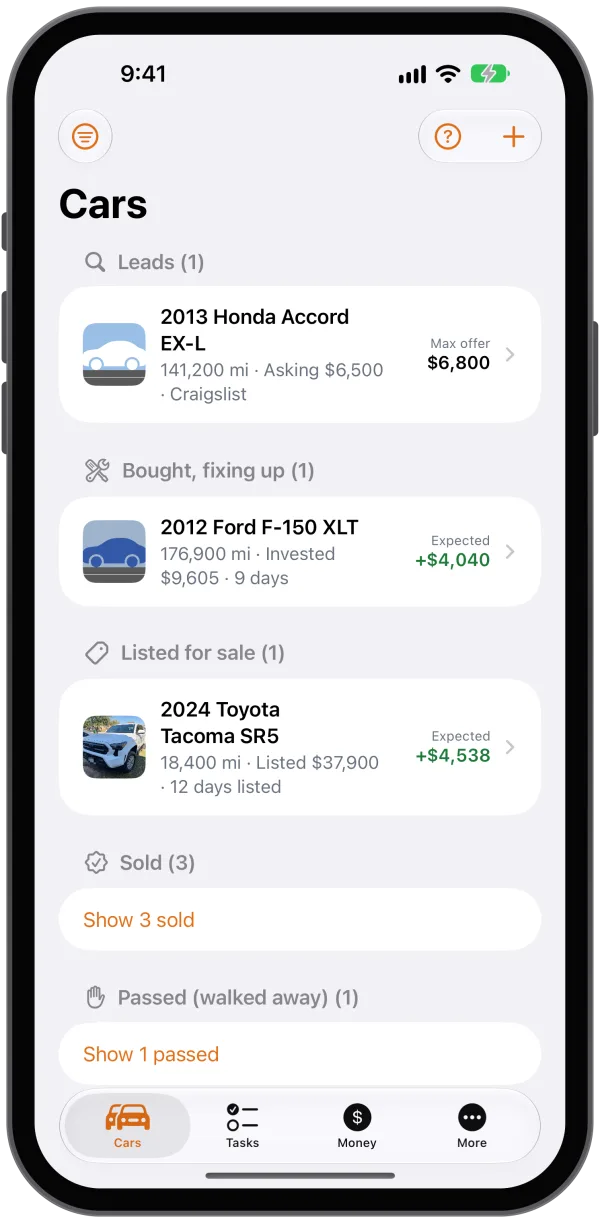
- Cars: every car, grouped by stage. Tap one to open its page. + adds a car.
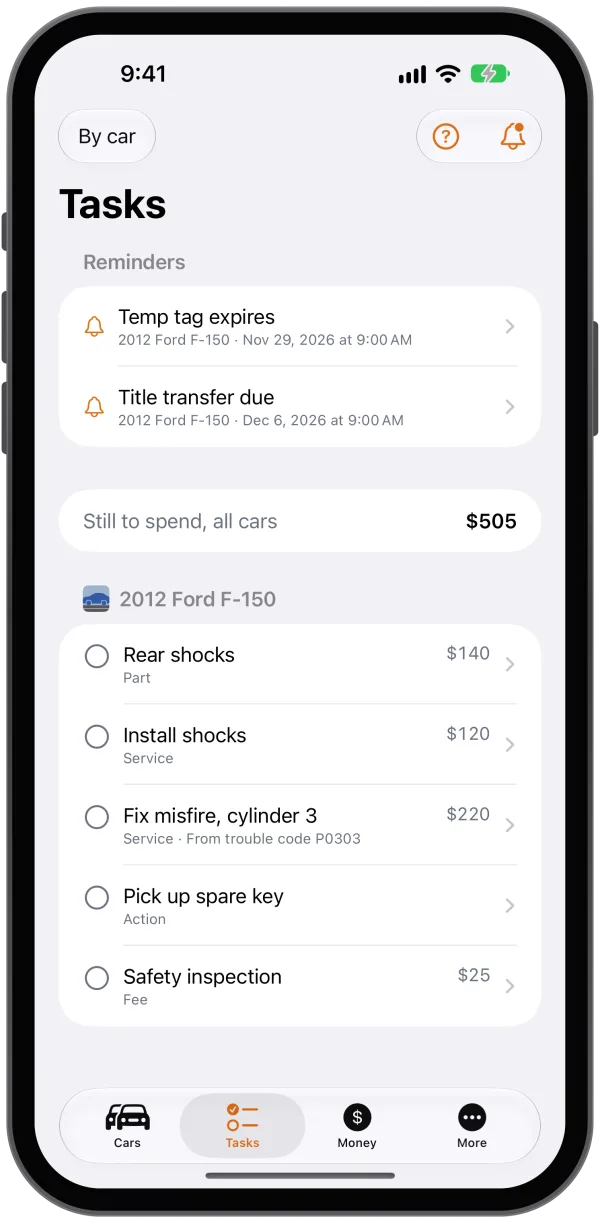
- Tasks: reminders and open tasks for every car in one list, with what’s still to spend.
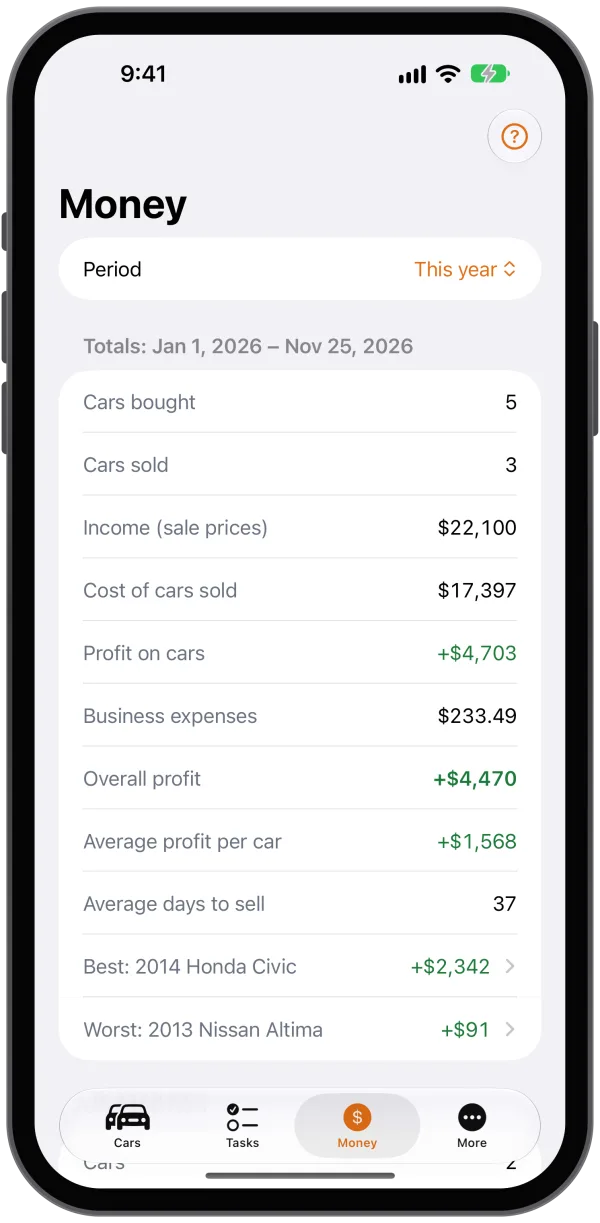
- Money: totals for a month, year or any dates, money tied up in cars on hand, the scoreboard, business expenses and reports.
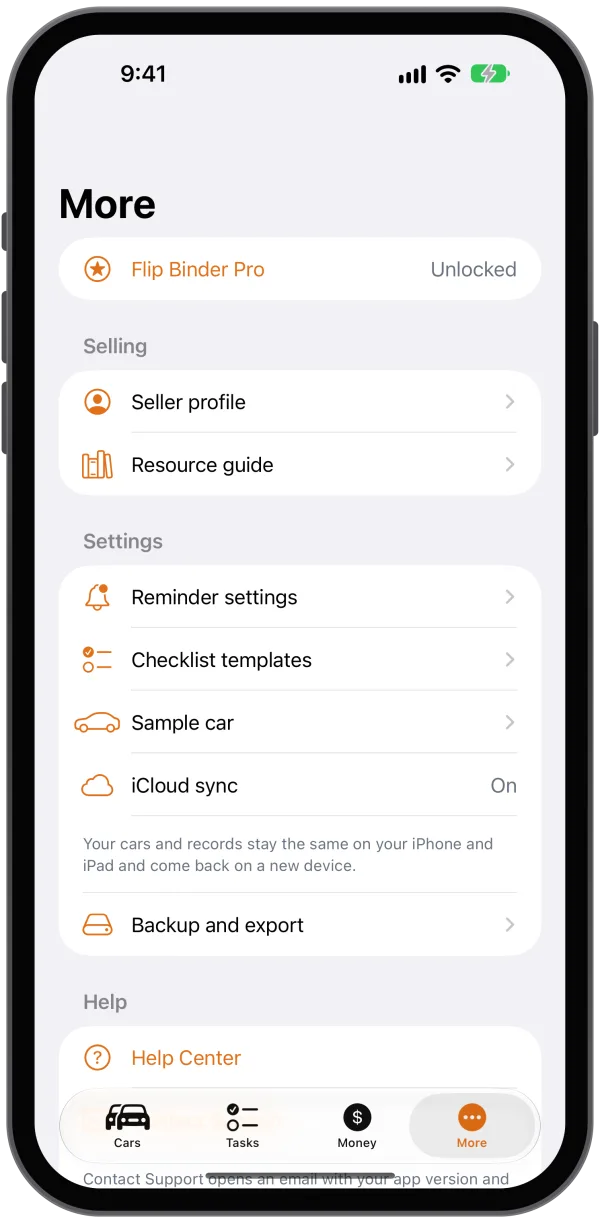
- More: Pro, your seller profile, the resource guide, settings, backup, Help Center and Contact Support.
The ? at the top of a screen opens its help article.
Still stuck? In the app, go to More > Contact Support (it emails us with the error log attached; you see the email first), or email contact@setriksoftware.com. You can also browse the Help Center or the messages the app can show.