

Set reminders and nudges
Get a notification for dates on a car, and nudges when a car sits too long.
Add a reminder
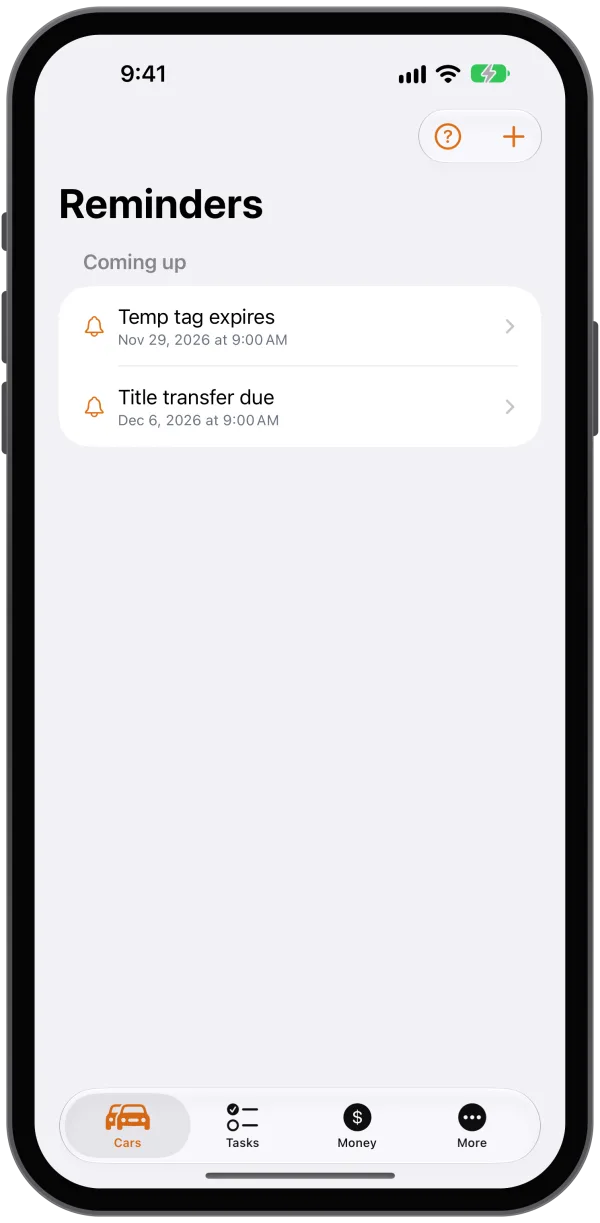
- Open the car and tap Reminders, then +. (Or tap the bell on the Tasks tab for a reminder without a car.)
- Fill in the Reminder, for example “Temp tag expires”.
- Set When.
- Tap Add. The first time, allow notifications.
Reminders show at the top of the Tasks tab and as notifications on this device. Tap a reminder’s bell to mark it done; open it to Snooze 1 day or Snooze 1 week.
Built-in nudges
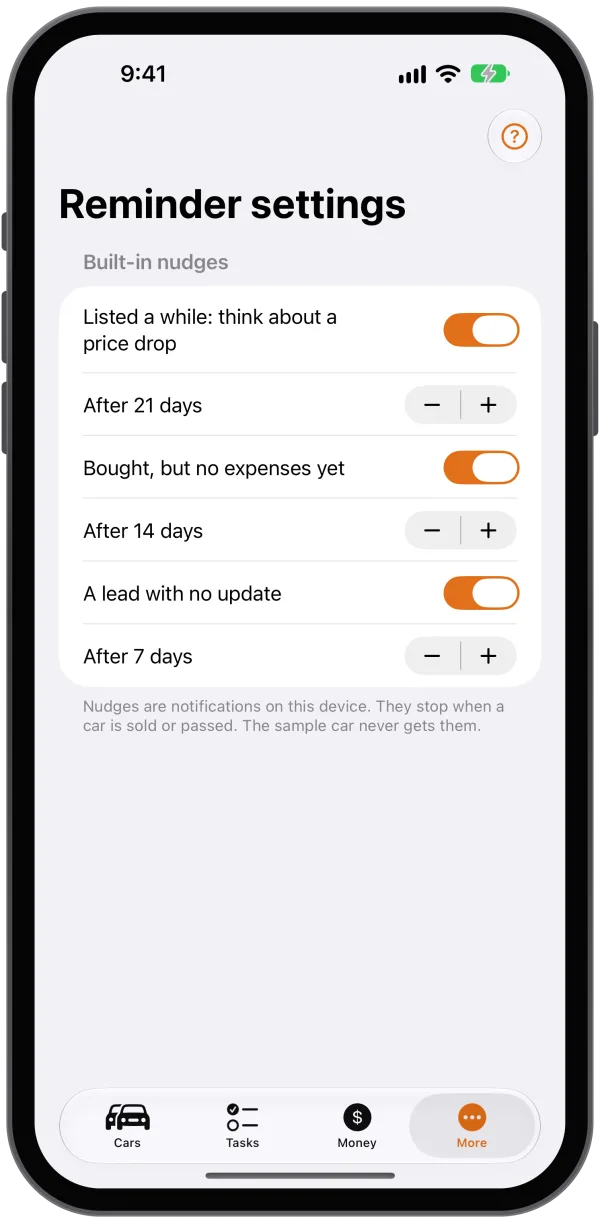
Flip Binder nudges you when a car is listed for a while (think about a price drop), bought with no expenses yet, or a lead has no update. Change the days or turn each off in More > Reminder settings. Nudges stop when a car is sold or passed.
If notifications are off
Reminders still show in the Tasks tab with a note; turn notifications on in the Settings app.
Still stuck? In the app, go to More > Contact Support (it emails us with the error log attached; you see the email first), or email contact@setriksoftware.com. You can also browse the Help Center or the messages the app can show.