

Set up your seller profile
Your name, phone and email, used on every listing.
Steps
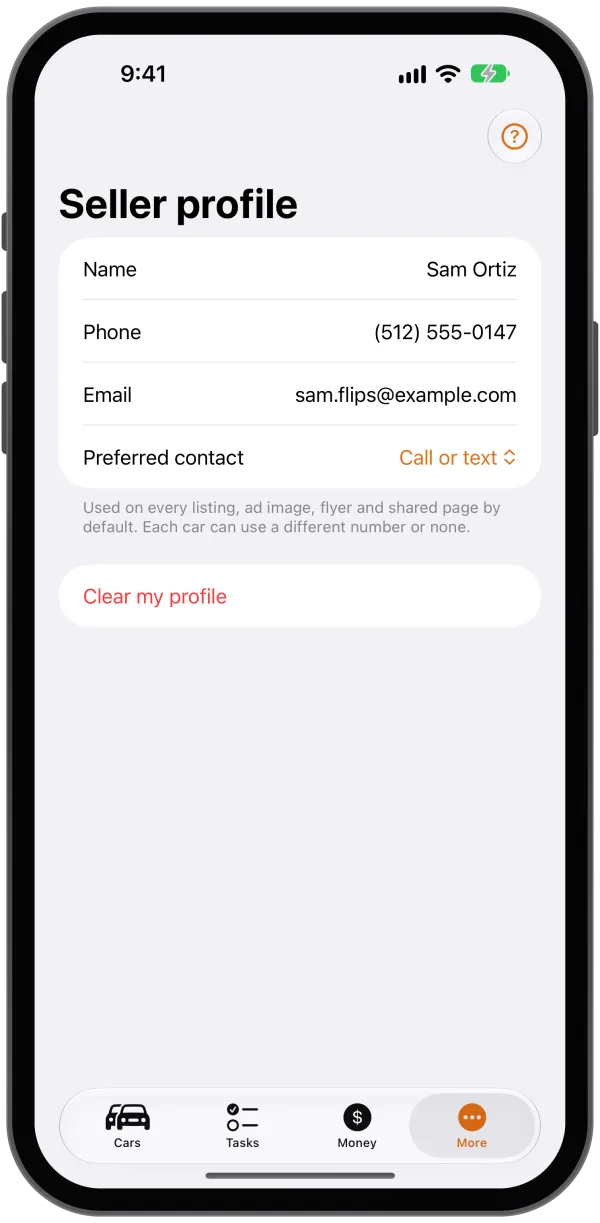
- Go to More > Seller profile.
- Fill in Name (you or your business), Phone and Email.
- Pick Preferred contact: Call or text, Text only, Call only or Message only.
Every listing, ad image, flyer, shared page and bill of sale uses it. Each car can use a different number or none (Listing kit > Contact on this listing). Clear my profile empties it.
Still stuck? In the app, go to More > Contact Support (it emails us with the error log attached; you see the email first), or email contact@setriksoftware.com. You can also browse the Help Center or the messages the app can show.