

Add where a car is listed
Keep links to every site the car is posted on.
Steps
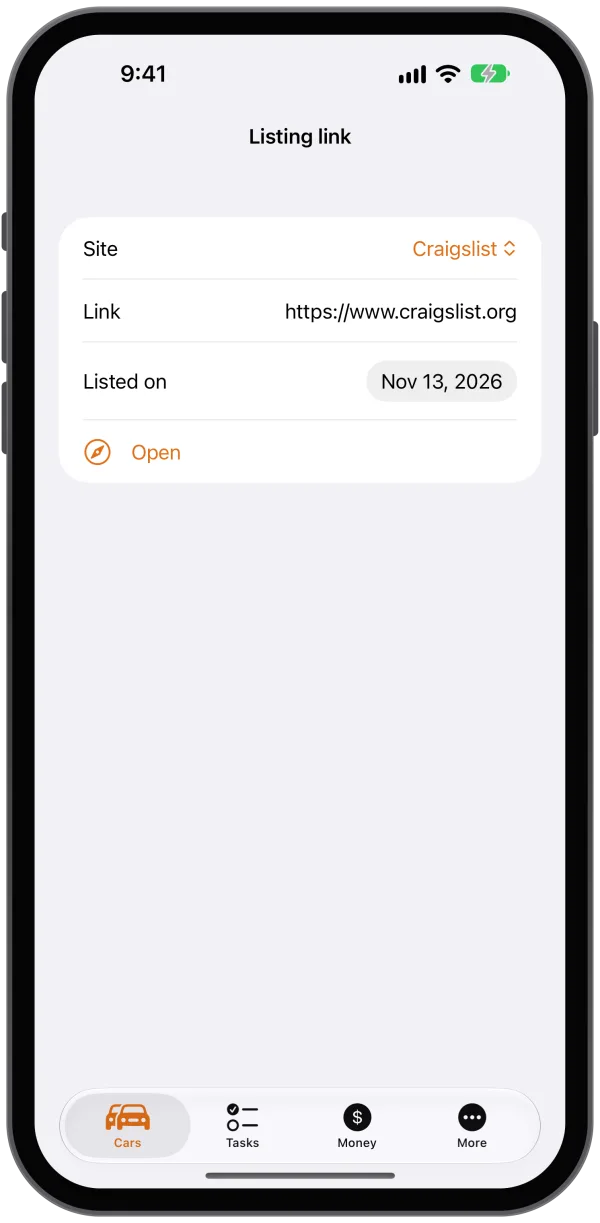
- Open the car’s Listing kit.
- Under Where it’s listed, tap Add where it’s listed.
- Pick the Site (or Other and type the Site name), paste the Link and set Listed on.
- Tap Add.
Swipe a link right to open it; left to delete. The date listed counts days on the market. A bought car moves to Listed when you add its first link. The links also show on the shared car page and flyer QR code.
Still stuck? In the app, go to More > Contact Support (it emails us with the error log attached; you see the email first), or email contact@setriksoftware.com. You can also browse the Help Center or the messages the app can show.