

Explore the sample car
See every Flip Binder screen with real-looking data before you add your own cars.
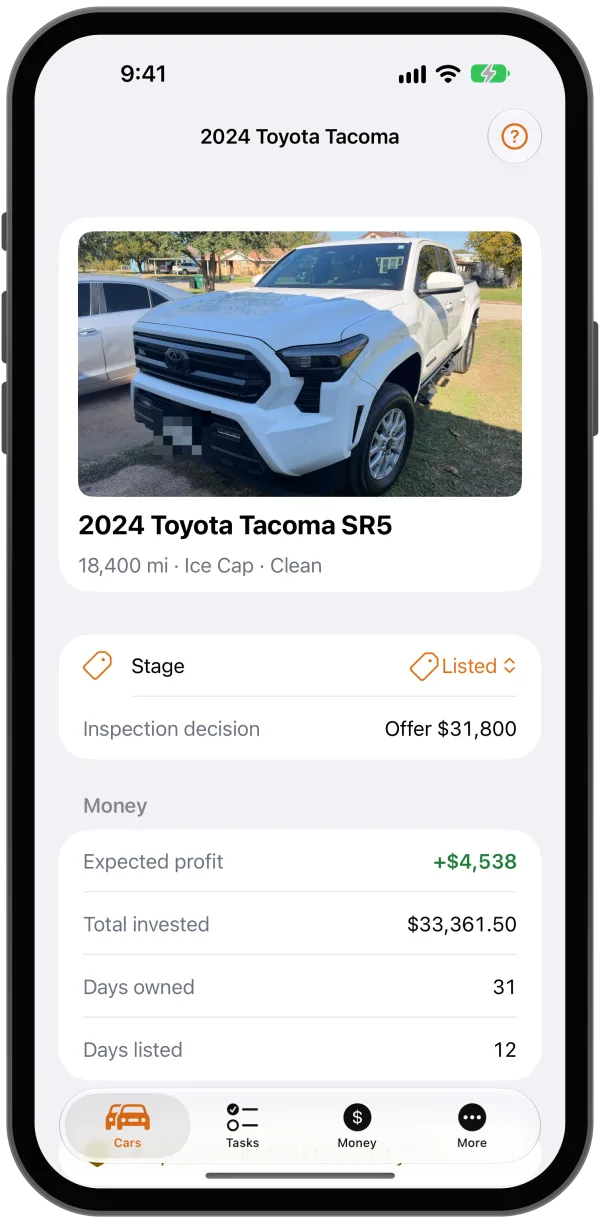
The first time you open Flip Binder, a filled-in Sample car is waiting on the Cars tab: a 2014 Honda Civic that was inspected, fixed up and sold. Open it to see what each screen looks like with data.
Steps
- On the Cars tab, tap the car with the Sample badge. Sold cars are folded away: tap Show 1 sold first if you don’t see it.
- Look through the sections: Before buying, Fixing it up, Selling and Reports.
- Try anything. Changes to the sample car never count in your totals.
Good to know
- The sample car never counts in the Money tab totals, reports or scoreboard.
- It can use every Pro feature, so you can try the ad image, flyer and reports before you buy.
- It never gets reminder nudges.
Still stuck? In the app, go to More > Contact Support (it emails us with the error log attached; you see the email first), or email contact@setriksoftware.com. You can also browse the Help Center or the messages the app can show.