

Log your own hours
Track your time on a car to see profit per hour.
Steps
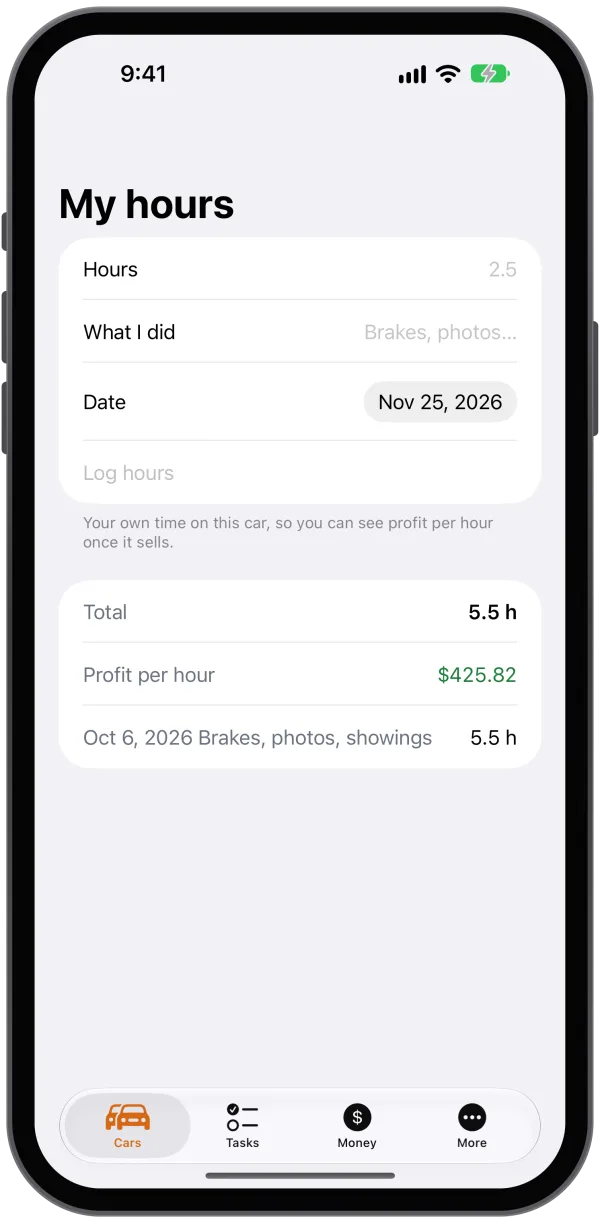
- Open the car and tap My hours.
- Type Hours (2.5 for two and a half) and What I did; set the date.
- Tap Log hours.
Once the car is sold, Profit per hour shows here, on the car page and in the car report. Swipe an entry left to delete it.
Still stuck? In the app, go to More > Contact Support (it emails us with the error log attached; you see the email first), or email contact@setriksoftware.com. You can also browse the Help Center or the messages the app can show.