

SellingFlip Binder Pro
Make an ad image
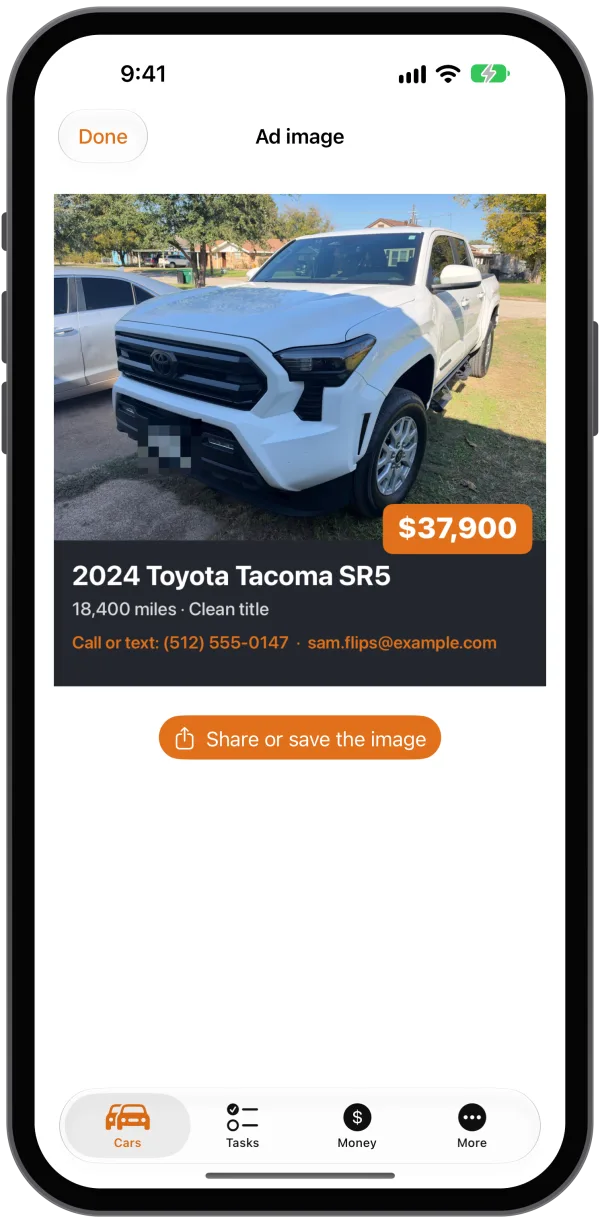
A square image with the photo, price, mileage and your contact, ready for any site.
Steps
- Open the car’s Listing kit.
- Under Advertise it, tap Ad image.
- Tap Share or save the image.
It uses the cover photo, the asking price, the car’s name, mileage, title status and your contact from the listing. Change any of those and make it again.
Still stuck? In the app, go to More > Contact Support (it emails us with the error log attached; you see the email first), or email contact@setriksoftware.com. You can also browse the Help Center or the messages the app can show.