

Remove or bring back the sample car
Hide the sample car when you're done with it.
Remove it
Open the sample car, scroll to the bottom and tap Remove the sample car.
Bring it back
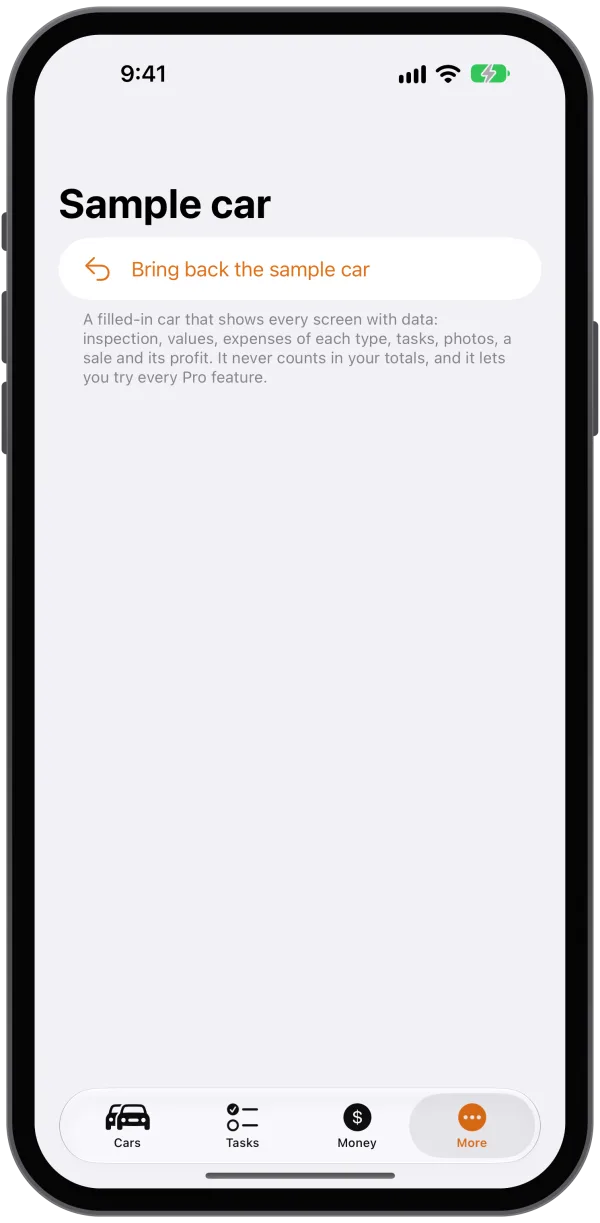
Go to More > Sample car and tap Bring back the sample car.
Still stuck? In the app, go to More > Contact Support (it emails us with the error log attached; you see the email first), or email contact@setriksoftware.com. You can also browse the Help Center or the messages the app can show.