

Use the Ready for sale and The sale checklists
Make sure the car is ready to list, and the handoff is safe.
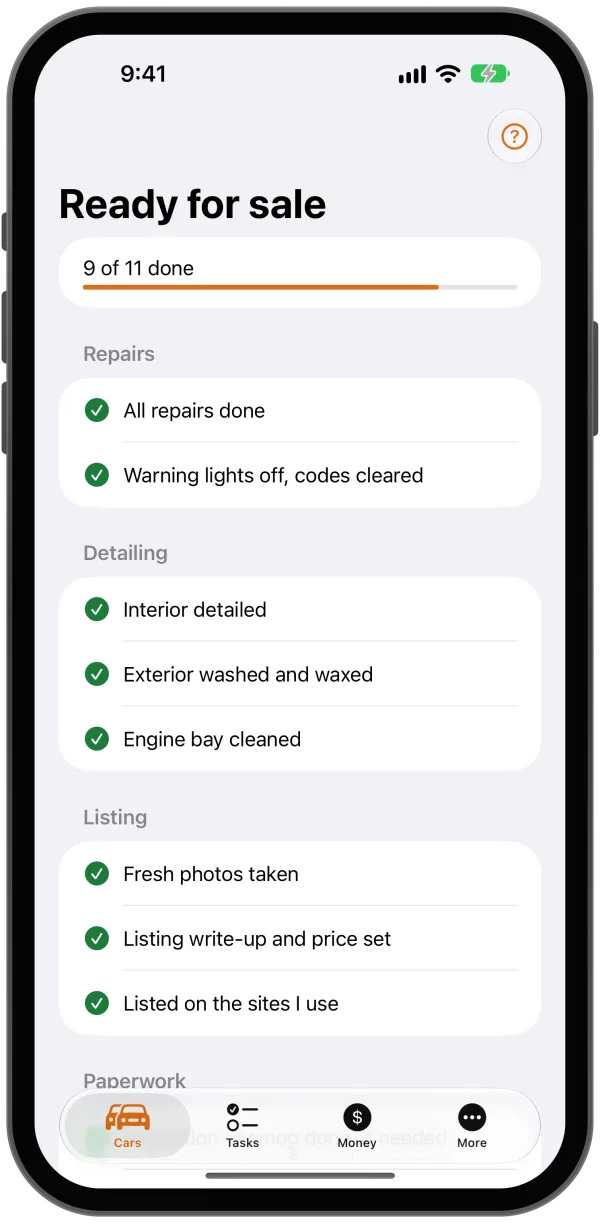
Ready for sale covers repairs, detailing, photos, the listing and paperwork. The sale covers the meeting, the test drive, checking payment, the bill of sale, the title and release of liability.
Steps
- Open the car and tap Ready for sale or The sale.
- Tap the circle on each item when it’s done.
- Swipe left and tap Skip if one doesn’t apply.
Progress shows on the car page, for example “7 of 12”.
Still stuck? In the app, go to More > Contact Support (it emails us with the error log attached; you see the email first), or email contact@setriksoftware.com. You can also browse the Help Center or the messages the app can show.