

Log trouble codes
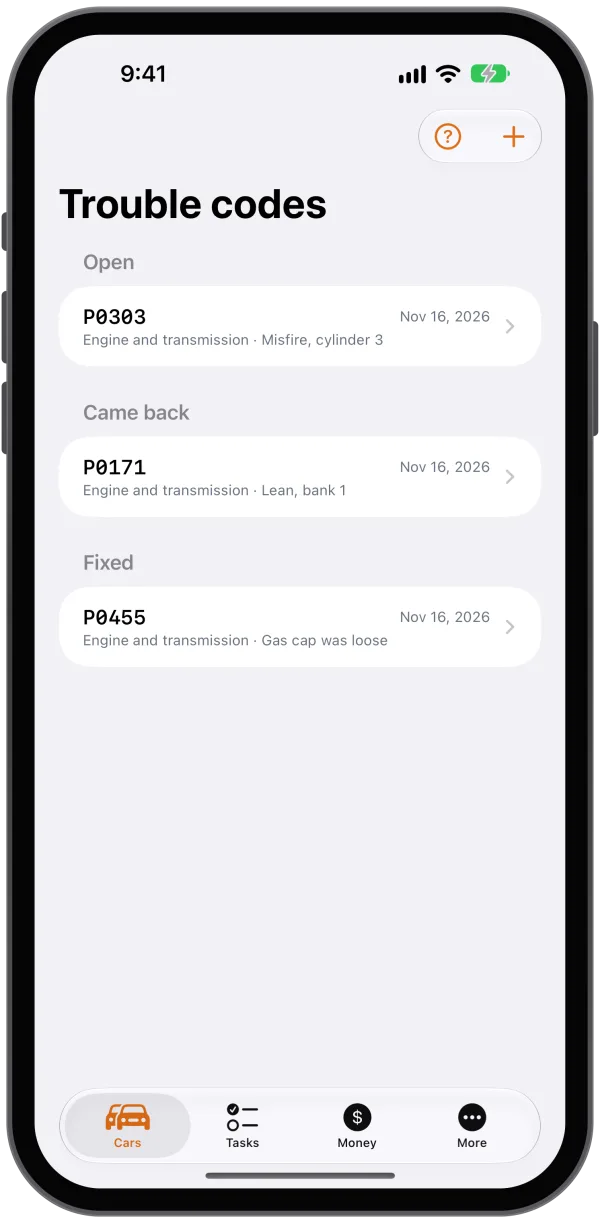
Keep every code a car throws, several at once, with its status: Open, Came back or Fixed.
Read codes with your own scanner and keep them on the car. Cars often throw several codes, and codes come back after clearing.
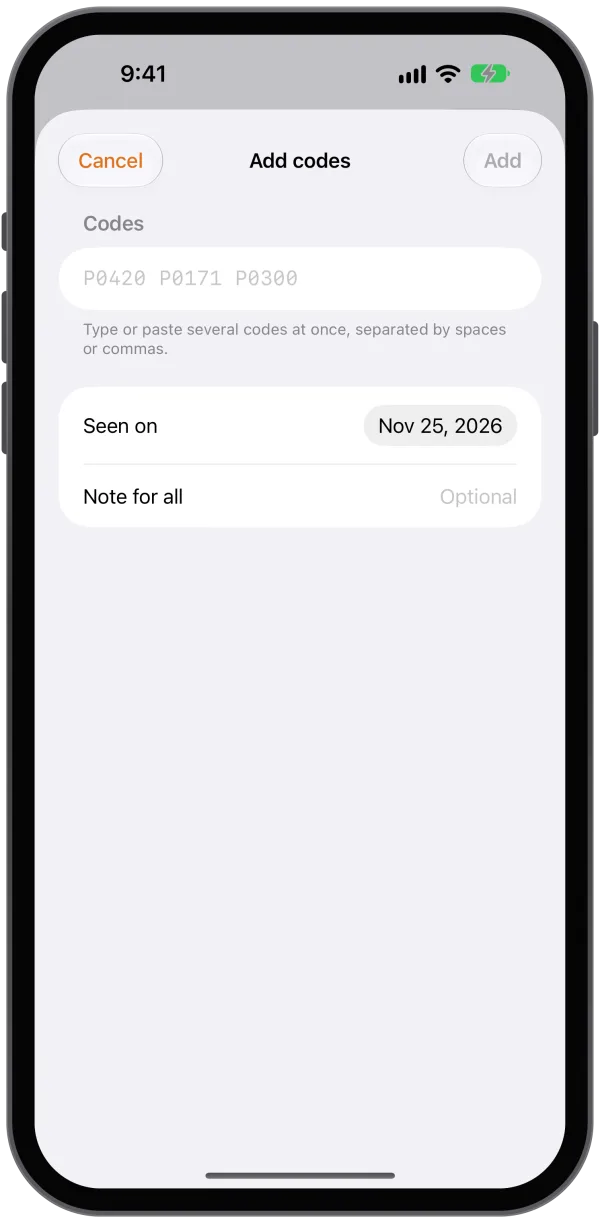
Add codes
- Open the car and tap Trouble codes, then + (Add codes).
- Type or paste the codes, separated by spaces or commas, for example P0420 P0171.
- Optional: set Seen on and a Note for all.
- Tap Add.
A code you add again after it was Fixed moves to Came back.
Track and fix a code
- Tap a code to change its status: Open, Came back or Fixed, and add a note.
- Tap Make a task to add a task for it. When you check that task off, Flip Binder offers to mark the code fixed.
Open codes show on the car page, the inspection sheet and the car report.
Still stuck? In the app, go to More > Contact Support (it emails us with the error log attached; you see the email first), or email contact@setriksoftware.com. You can also browse the Help Center or the messages the app can show.