Shared car page
One link that works on every site and every sign
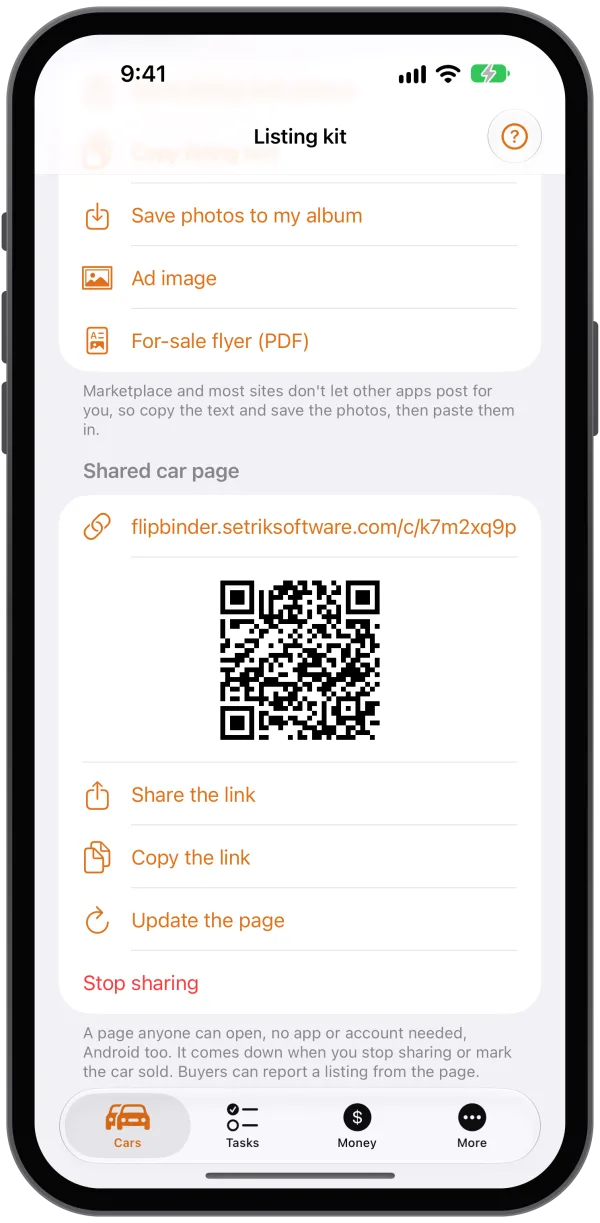
Share the car and Flip Binder makes a page buyers open on any phone or computer, with a QR code for the window. Photos, price, mileage, description, highlights, where else it’s listed and the contact you chose. It comes down when the car sells.
Part of Flip Binder Pro, free to try on the sample car.
Buyers need no app and no account.

For iPhone and iPad · Requires iOS 26 or later · Free for every car
How it works
Share a car in a tap
1
Choose photos
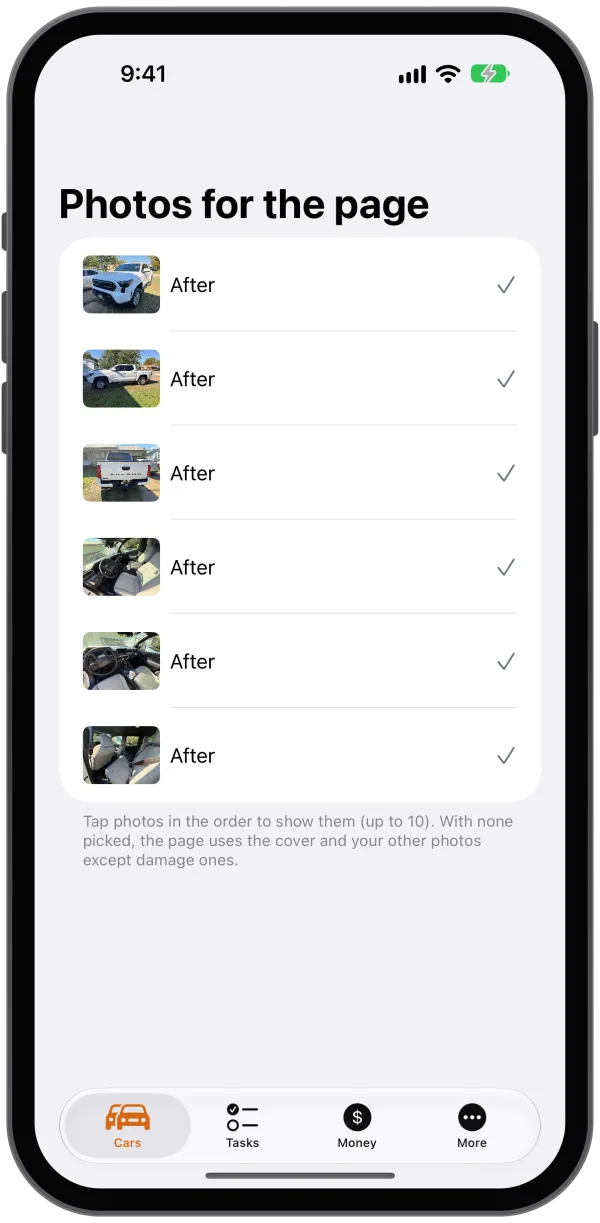
Pick up to 10, in the order to show them. By default: the cover, then the others without damage photos.
2
Share this car
Tap Share this car (page with link and QR code).
3
Send the link
Share the link, Copy the link, or show the QR code.
Step by step in The listing kit.
What buyers see
A clean page, on any phone
The link looks like flipbinder.setriksoftware.com/c/ and an 8-character code. Paste it in every listing, text it, or print the QR code on the flyer.
Contact the way you like: call or text, text only, call only or message only, from your seller profile.
More cars from this seller show when you share more than one.
Report this listing: buyers can report a page to us.
Changed the listing?
Update it, or take it down
Change the price or the text and the app shows “Page is out of date”. Tap Update the page.
Stop sharing any time; the page comes down.
Sold, passed or deleted: the page is removed for you.
Never in search results: car pages are kept out of search engines.
Good to know
Good to know
The page is published through your own iCloud account (Apple’s CloudKit), so you need to be signed in to iCloud to share.
Only what you chose to show is on the page. There’s no location on it.
Free, with more in Pro
Writing the listing is free. The shared car page is part of Pro, and free to try on the sample car. See Flip Binder free and Pro plans.
Keep exploring
More of what Flip Binder does
Or see every Flip Binder feature on one page.
Listing kit
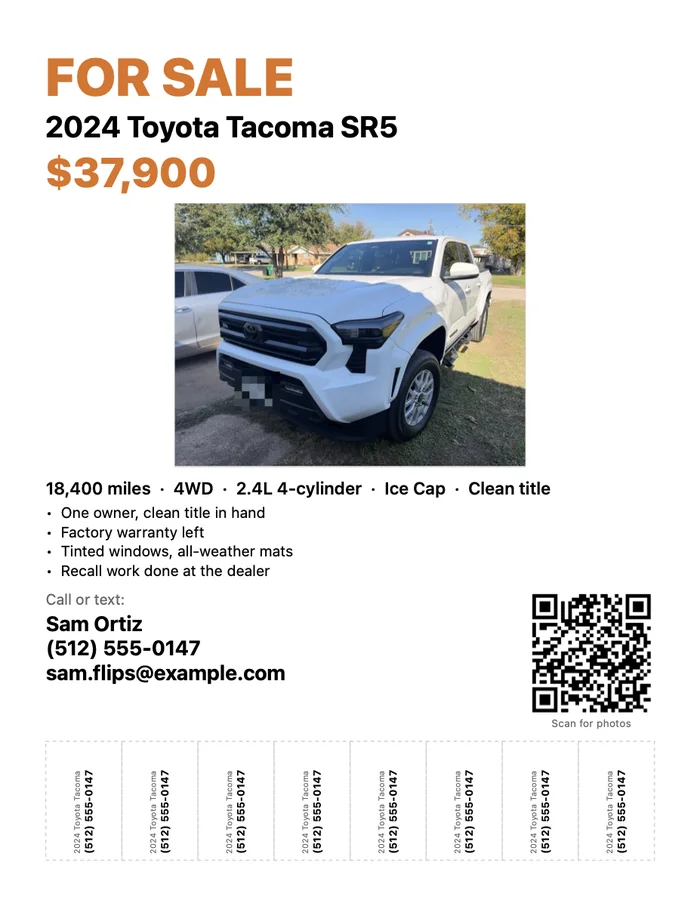
Write the listing once and copy it everywhere. Ad image and for-sale flyer with a QR code (Pro).
See the listing kitBill of sale
A free bill of sale PDF filled in from the car, the buyer and your seller profile.
See the bill of saleMaximum offer
Guide values you type in, minus repairs, fees and the profit you want: the most to pay, before you go.
See the maximum offerPre-purchase inspection
51 checks from the title to the test drive, with costs that lower your offer. Go, walk away or offer.
See the inspectionVIN scan and recalls
Scan the VIN and the car fills in. A mismatch warning, and the model year’s NHTSA recalls.
See VIN and recallsTrouble codes
Several codes at once, each Open, Came back or Fixed, so you see what’s really fixed.
See trouble codesQuestions about the shared car page
Who can see my shared car page?
Anyone with the link, on any phone or computer. It comes down when you stop sharing or mark the car sold.
Do buyers need the app?
No. The page opens in any web browser, on any phone or computer.
Is the page in Google?
No. Car pages are kept out of search engines.
Got a car ready to list?
Write the listing once, then copy it to every site. Ad image, flyer and a shared link with Pro.